Travellers
Screen yourself before you arrive — a free web page, no app and no login. You get a QR health pass for a faster border crossing.
Open self-screeningApps & downloads
One place for every POE Sentinel product — the traveller self-screening link, the officer field app (iPhone and Android, in Live and Training editions) and the PHEOC command dashboard. Not sure what you need? Start with the three cards below.
Start here
Pick the row that matches you. Travellers need no app at all.
Screen yourself before you arrive — a free web page, no app and no login. You get a QR health pass for a faster border crossing.
Open self-screeningInstall the offline-first field app on an iPhone (PWA) or Android (APK). Use the Training edition to practise, the Live edition for real travellers.
Get the field appThe scope-aware command dashboard runs in any browser — no install. Sign in with your ZNPHI credentials.
Open the dashboardOfficer field app
Same app, two completely separate environments. Training uses disposable practice data so the live national system is never touched. Always practise on Training first.
For screening real travellers at the border. Records sync to the national system.
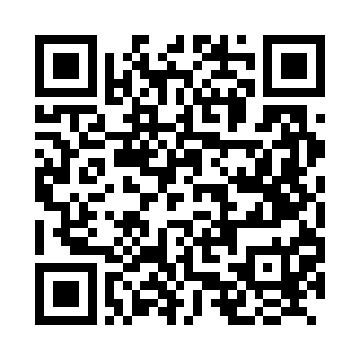
Open in Safari, then Add to Home Screen.
poe-screening.znphi.co.zm/pwa/live/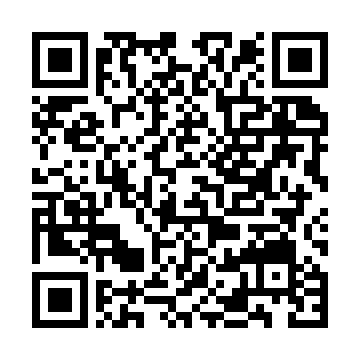
Signed production installer · v1.0.0
zm-poe-production-v1.0.0.apkA safe sandbox on its own database. Nothing here affects live records.
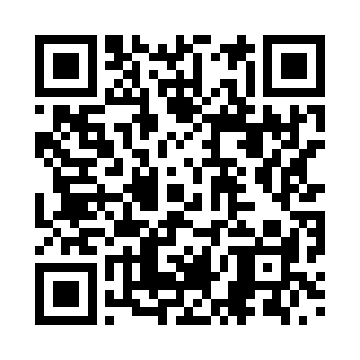
Open in Safari, then Add to Home Screen.
poe-screening.znphi.co.zm/pwa/training/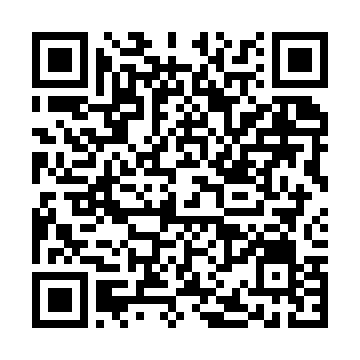
Signed training installer · v1.0.0
zm-poe-training-v1.0.0.apkiPhone uses a Progressive Web App — there is nothing to download from the App Store. 1. Open the Live or Training link above in Safari (scan the QR with the Camera app). 2. Tap the Share button. 3. Choose Add to Home Screen. The app then opens full-screen like a native app and updates itself silently over the air. Android installs the signed APK directly — if your phone asks, allow installs from this source.
Self-screening is a free web page — under two minutes, no login. Scan the code or tap the button and you receive a signed QR health pass for a faster, smoother border crossing.
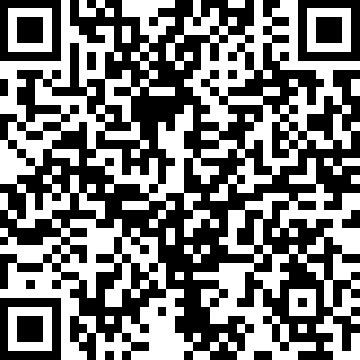 Scan to self-screen